

Quick Reference for AI Agents & Developers
- Component:
CometChatOutgoingCall(UIViewController) - Import:
import CometChatUIKitSwift - Usage:
let outgoingCall = CometChatOutgoingCall()→outgoingCall.set(call:)→ present modally - Key actions:
set(onCancelClick:),set(onError:) - Styling:
CometChatOutgoingCall.style(global) or instance-level - Related: IncomingCall · OngoingCall · CallButtons · CallLogs
Overview
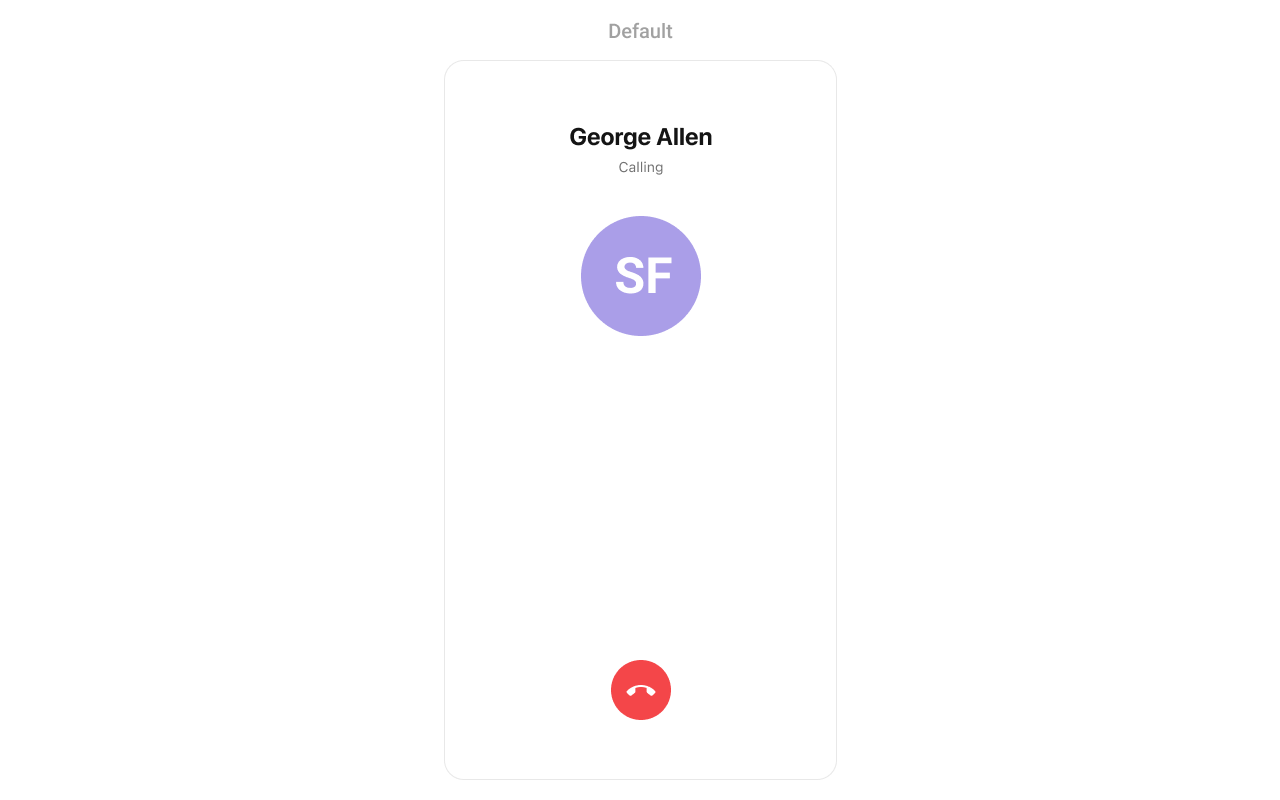
TheOutgoing Call Component is a visual representation of a user-initiated call, whether it’s a voice or video call. It serves as an interface for managing outgoing calls, providing users with essential options to control the call experience. This component typically includes information about the call recipient, call controls for canceling the call, and feedback on the call status, such as indicating when the call is in progress.
Usage
Integration
CometChatOutgoingCall being a custom view controller, offers versatility in its integration. It can be seamlessly launched via button clicks or any user-triggered action, enhancing the overall user experience and facilitating smoother interactions within the application.
- Swift
If you are already using a navigation controller, you can use the
pushViewController function instead of presenting the view controller.Actions
Actions dictate how a component functions. They are divided into two types: Predefined and User-defined. You can override either type, allowing you to tailor the behavior of the component to fit your specific needs.1. SetOnCancelClick
ThesetOnCancelClick action is typically triggered when the call is ended, carrying out default actions. However, with the following code snippet, you can effortlessly customize or override this default behavior to meet your specific needs.
- Swift
2. OnError
You can customize this behavior by using the provided code snippet to override theOn Error and improve error handling.
- Swift
Filters
Filters allow you to customize the data displayed in a list within a Component. You can filter the list based on your specific criteria, allowing for a more customized. Filters can be applied using RequestBuilders of Chat SDK. The OutgoingCall component does not have any exposed filters.Events
Events are emitted by aComponent. By using event you can extend existing functionality. Being global events, they can be applied in Multiple Locations and are capable of being Added or Removed.
Events emitted by the Outgoing call component is as follows.
- Add Listener
Emitting Group Events
- Remove Listener
View Controller
Customization
To fit your app’s design requirements, you can customize the appearance of the conversation component. We provide exposed methods that allow you to modify the experience and behavior according to your specific needs.Style
Using Style you can customize the look and feel of the component in your app, These parameters typically control elements such as the color, size, shape, and fonts used within the component.1. OutgoingCall Style
You can customize the appearance of theOutgoingCall Component by applying the OutgoingCallStyle to it using the following code snippet.
Global level styling
- Swift
- Swift

Functionality
These are a set of small functional customizations that allow you to fine-tune the overall experience of the component.Advanced
For advanced-level customization, you can set custom views to the component. This lets you tailor each aspect of the component to fit your exact needs and application aesthetics. You can create and define your views, layouts, and UI elements and then incorporate those into the component.SetAvatarVieww
With this function, you can assign a custom view to the avatar of OutgoingCall Component.- Swift
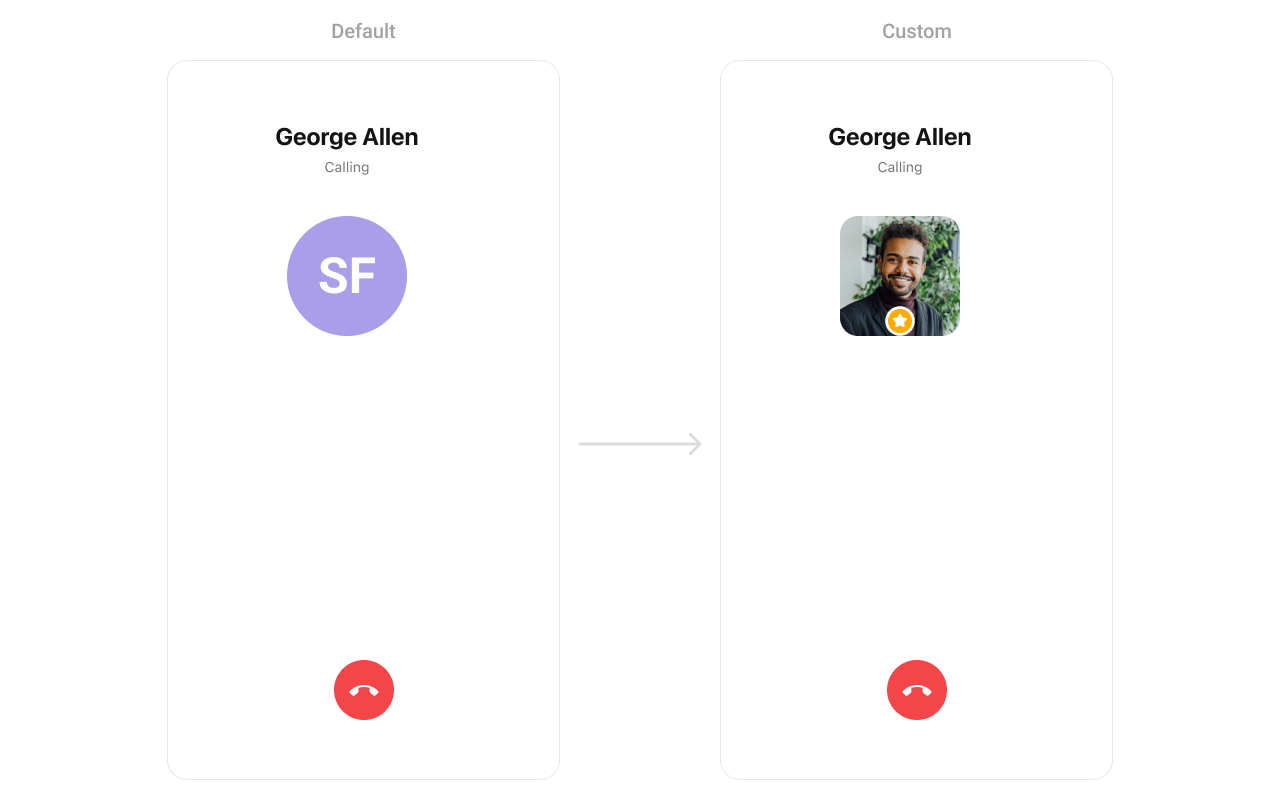
UIView.
swift
SetCancelView
You can modify the cancel call view of a Outgoing call component using the property below.- Swift

UIView.
- Swift
SetTitleView
You can customize the title view of a outgoing call component using the property below.- Swift
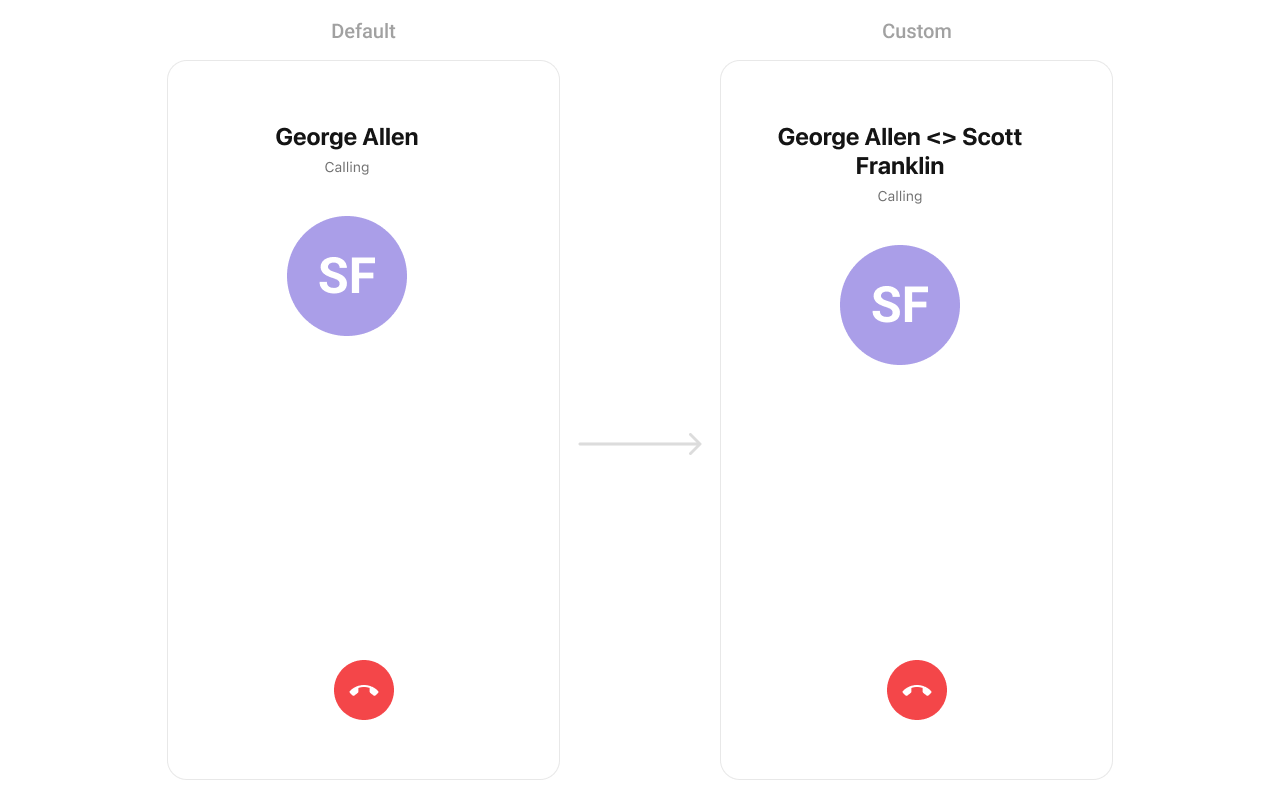
CustomTitleView as a custom UIView. Which we will inflate in setTitleView()
- Swift
SetSubtitleView
You can modify the subtitle view of a outgoing call component using the property below.- Swift
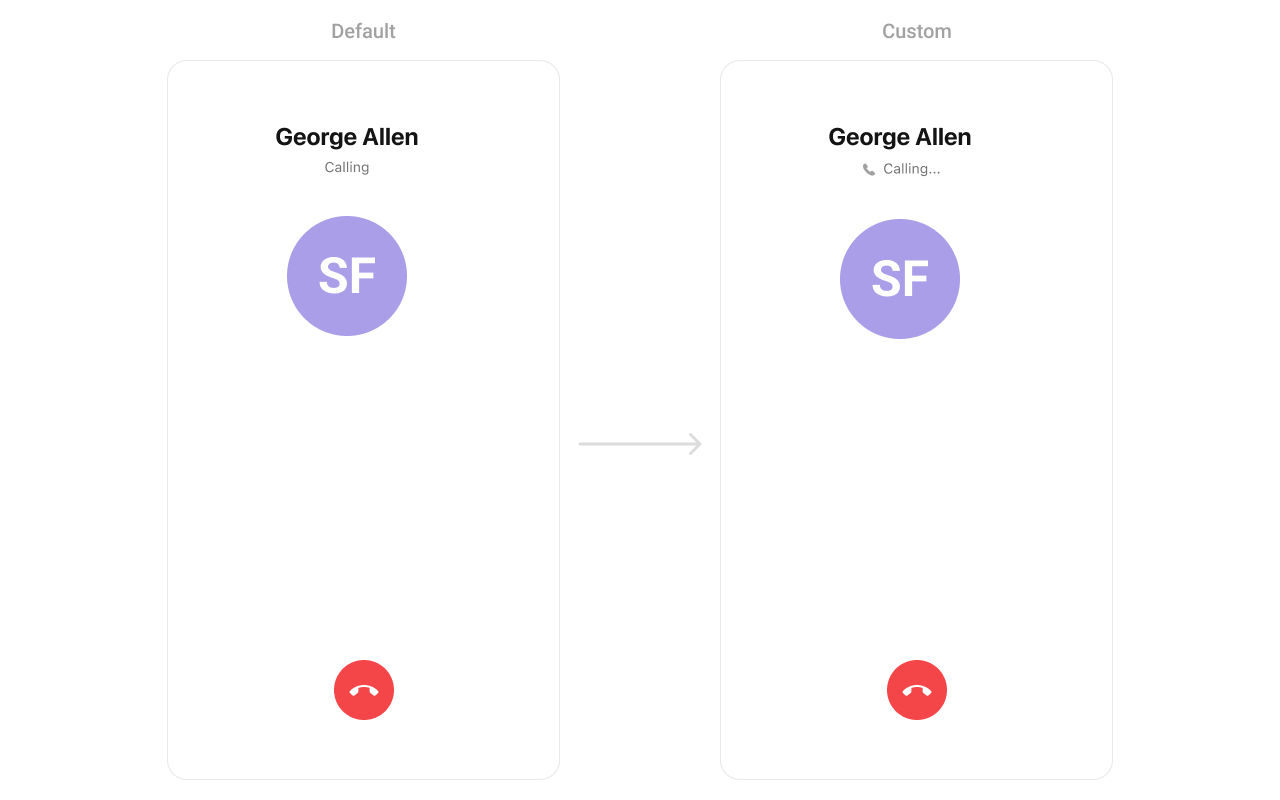
UIView.
- Swift
Next Steps
Incoming Call
Handle incoming voice and video calls
Ongoing Call
Real-time call interface with controls
Call Buttons
Add voice and video call buttons
Call Logs
View call history and details